Tutorials
Troubleshooting
Start with the symptom below. Most display issues are theme setup; most Instant checkout issues are republish, Instant checkout protection still setting up, or lines not added from the product page.
1.Configurator missing or native Buy still showing
Finish theme setup on the alternate template (block added, Price/Buy hidden, saved). Do not rely on editing Default for the whole catalog. If preview looks wrong, exit Shopify theme preview or use a private window. Retry template assignment if the product never received the SpecMatrix template.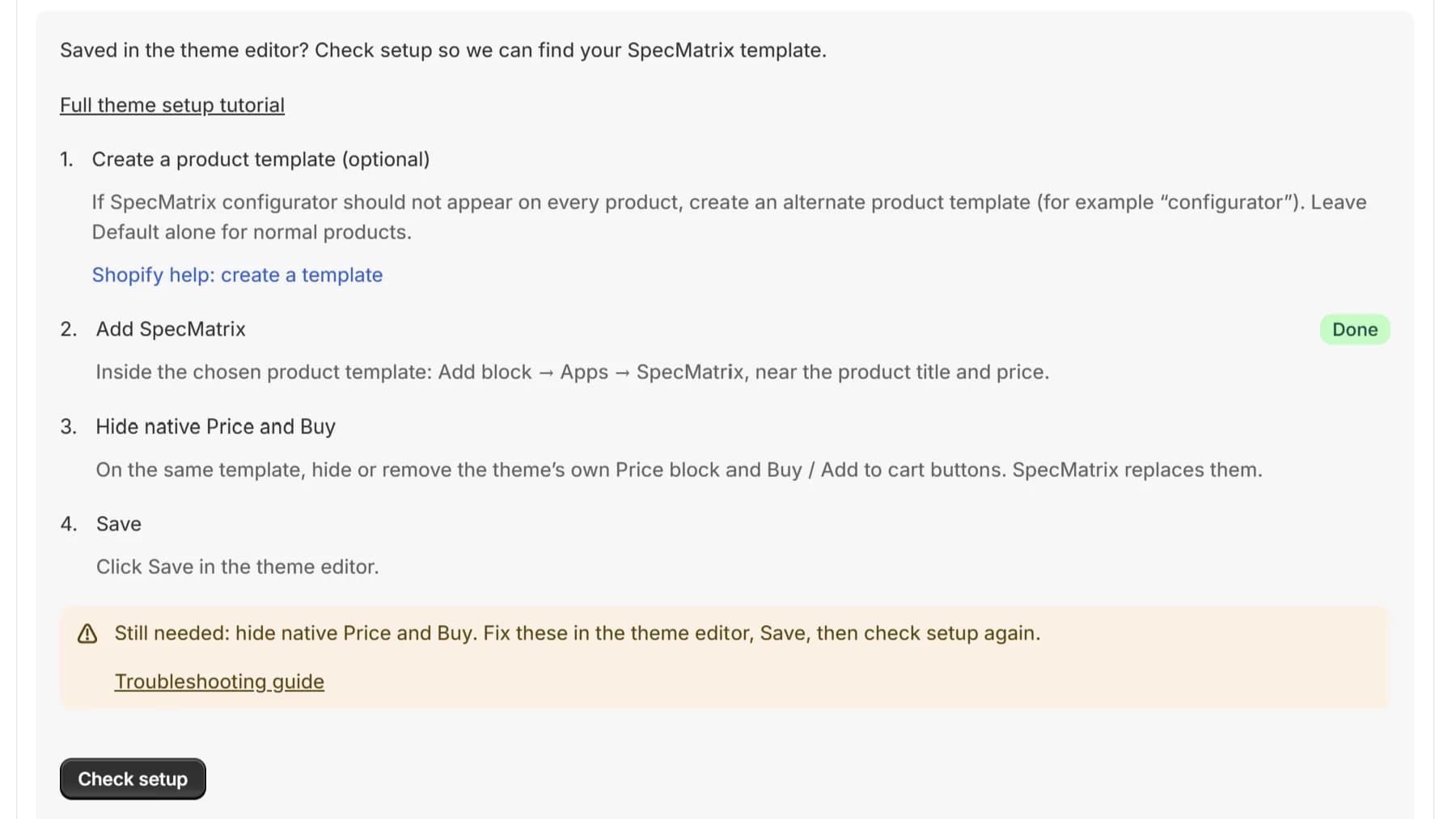
Native Buy still visible usually means the SpecMatrix template is incomplete or Default was edited by mistake. 2.Theme cannot host SpecMatrix
You need Online Store 2.0 with app-block support on the product section. Vintage themes are unsupported.3.Wrong price or checkout blocked
Instant prices come from your SpecMatrix matrix, not the native product price. Shoppers must add from the product page. After you replace and republish, old lines are blocked at checkout until re-added (message about configuration or price change). That check happens at checkout, not when removing or clearing the cart. Instant publish blocked: reopen SpecMatrix from Admin so Instant checkout protection can finish, or price every Instant row.4.File or plan errors
Uploads: max 5 MB, CSV/Excel only; over plan or hard row limits are rejected (no silent truncation). Free: 1 product / 1,000 compiled rows. Pro: 50 / 10,000. Details: Plans and limits.5.Other blockers
Subscriptions or pre-orders (selling plans) on a product are incompatible with SpecMatrix Instant checkout; remove selling plans before linking. At checkout, Instant lines may show a parent plus component line (cosmetic). Prefer a single default variant on SpecMatrix products.Expected result
Display uses SpecMatrix only; Instant checkout accepts lines added from the product page after configure; Quote drafts appear under Quotes.
If this fails…
If none of these match, email [email protected] with your store domain, product, and what you see. Shoppers should contact the store, not SpecMatrix. Tutorials hub: Help center.