Tutorials
Publish checklist
Publish compiles the matrix for the storefront, updates the product for the new matrix, and re-assigns the SpecMatrix template when known. Use this checklist so display and checkout both behave as expected.
1.Confirm mapping and prices
Spreadsheet uploaded, column mapping confirmed, at least one validated row. Instant: every combination priced. Quote: prices optional.2.Instant checkout protection
For Instant products, publish waits until Instant checkout protection is ready for your shop. You cannot skip this; it keeps shoppers from paying the base variant price by mistake. Quote publish is unaffected.3.Publish and preview
Publish, then use Preview on storefront (alternate templates use the view query for the suffix). Take offline unpublishes without deleting SpecMatrix data. Remove configurator deletes SpecMatrix data for that product and restores Default; the Shopify product remains.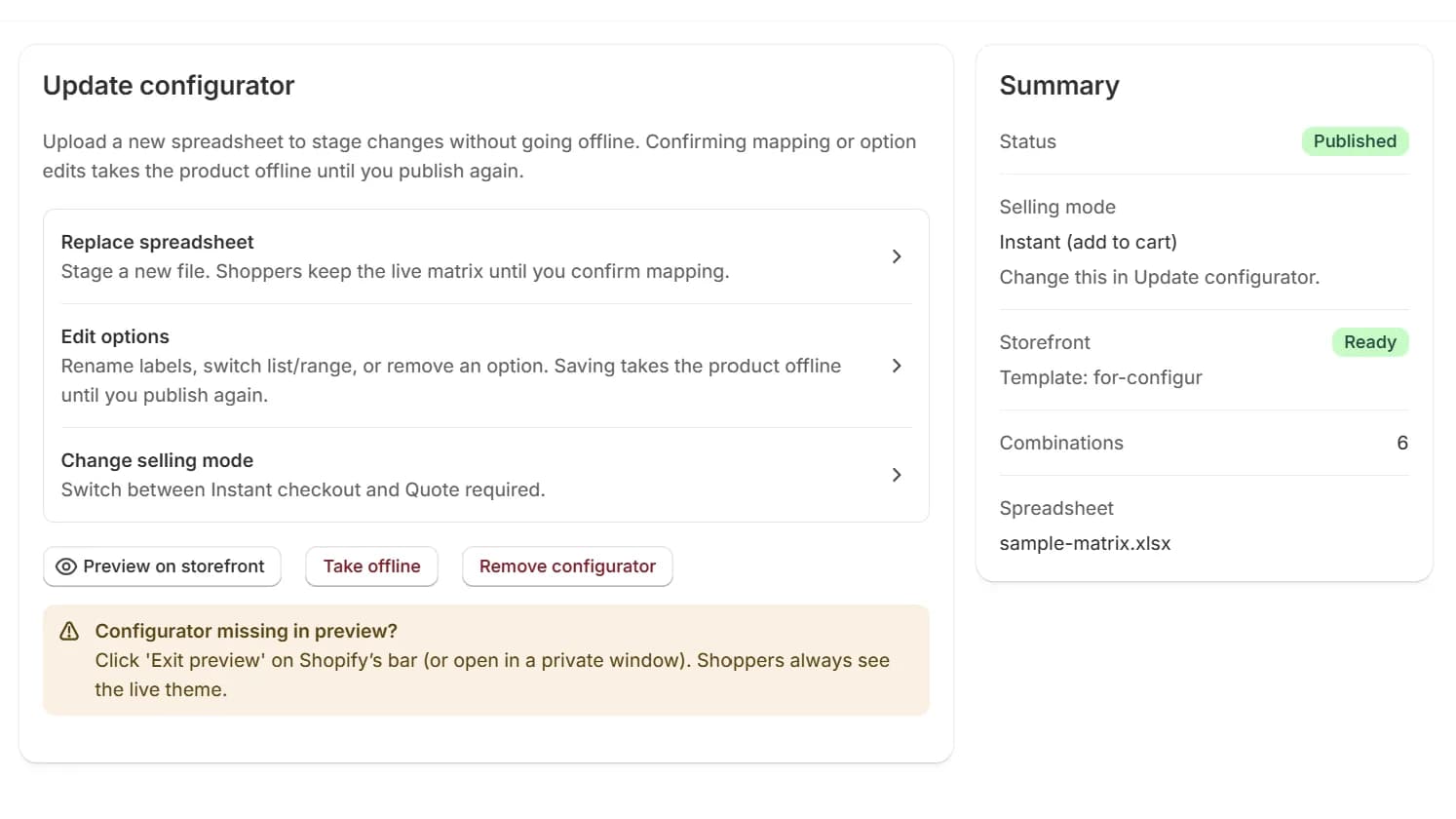
Sticky theme preview can hide the live block. Exit preview or use a private window. Expected result
The product is live with the compiled matrix. Preview shows the configurator. Instant lines only price correctly when the shopper configures and adds from the product page.
If this fails…
Instant publish blocked: Instant checkout protection is still setting up (reopen SpecMatrix from Admin) or unpriced Instant rows. Configurator missing in preview: click Exit preview or use a private window. Native Price/Buy still visible: finish theme setup. More cases: Troubleshooting.