Tutorials
Instant vs Quote mode
Selling mode is set per product (default Instant). Instant and Quote are available on Free and Pro. Instant does not require Shopify Plus.
1.Choose how you close the deal
Instant fits listed prices and normal Shopify checkout (discounts, Shop Pay, Markets, rest of cart). Quote fits negotiated or price-on-request deals where your team reviews before payment. Spreadsheet prices are required for Instant and optional for Quote.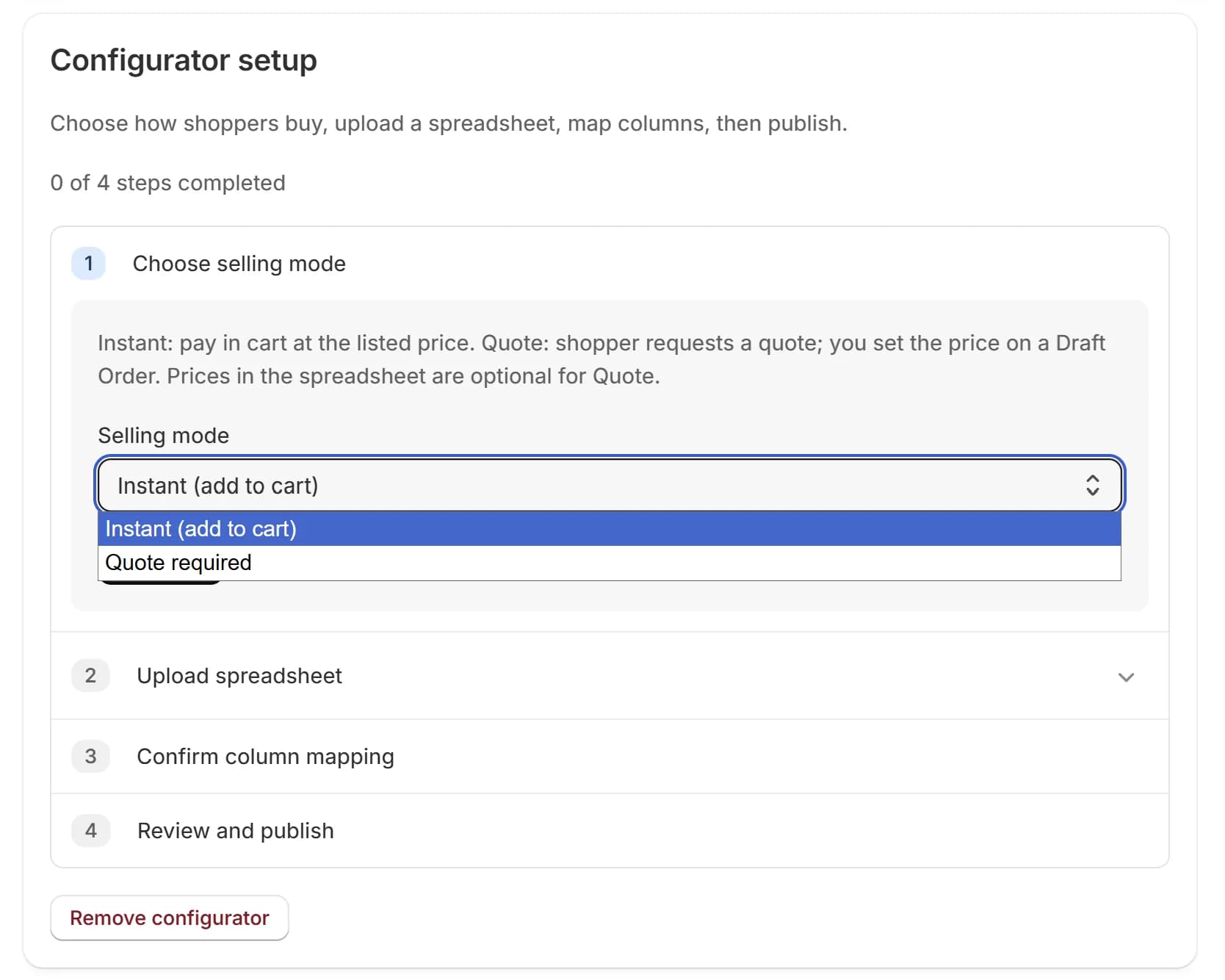
Choose Instant or Quote per product in SpecMatrix. 2.Instant: native cart with protected matrix price
The shopper configures, sees the listed matrix price, and adds to cart. SpecMatrix locks that price through Instant checkout protection so checkout matches what they saw. Lines added without configuring on the product page are blocked at checkout (cart edits such as remove or clear still work). Shoppers should always configure from the product page.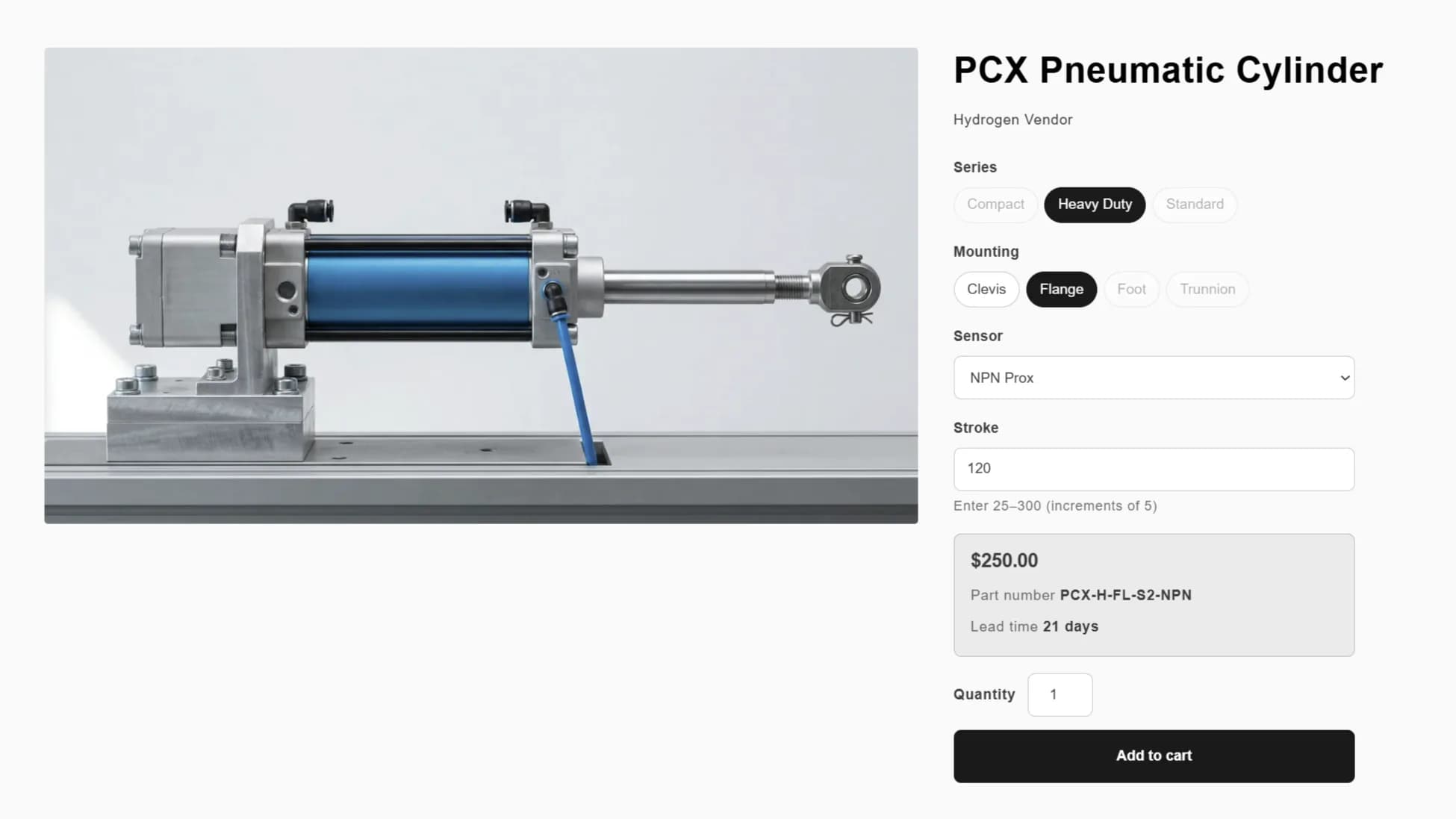
Instant: shopper adds to the native cart; the price they saw is locked at checkout, not the base variant price. 3.Quote: Draft Order after request
The shopper configures, optionally sees a guide price, enters quantity and email, and requests a quote. SpecMatrix opens a Draft Order (guide price or $0.00). You set the price and send the invoice from Shopify. Out-of-matrix attempts can become custom quote requests under Quotes.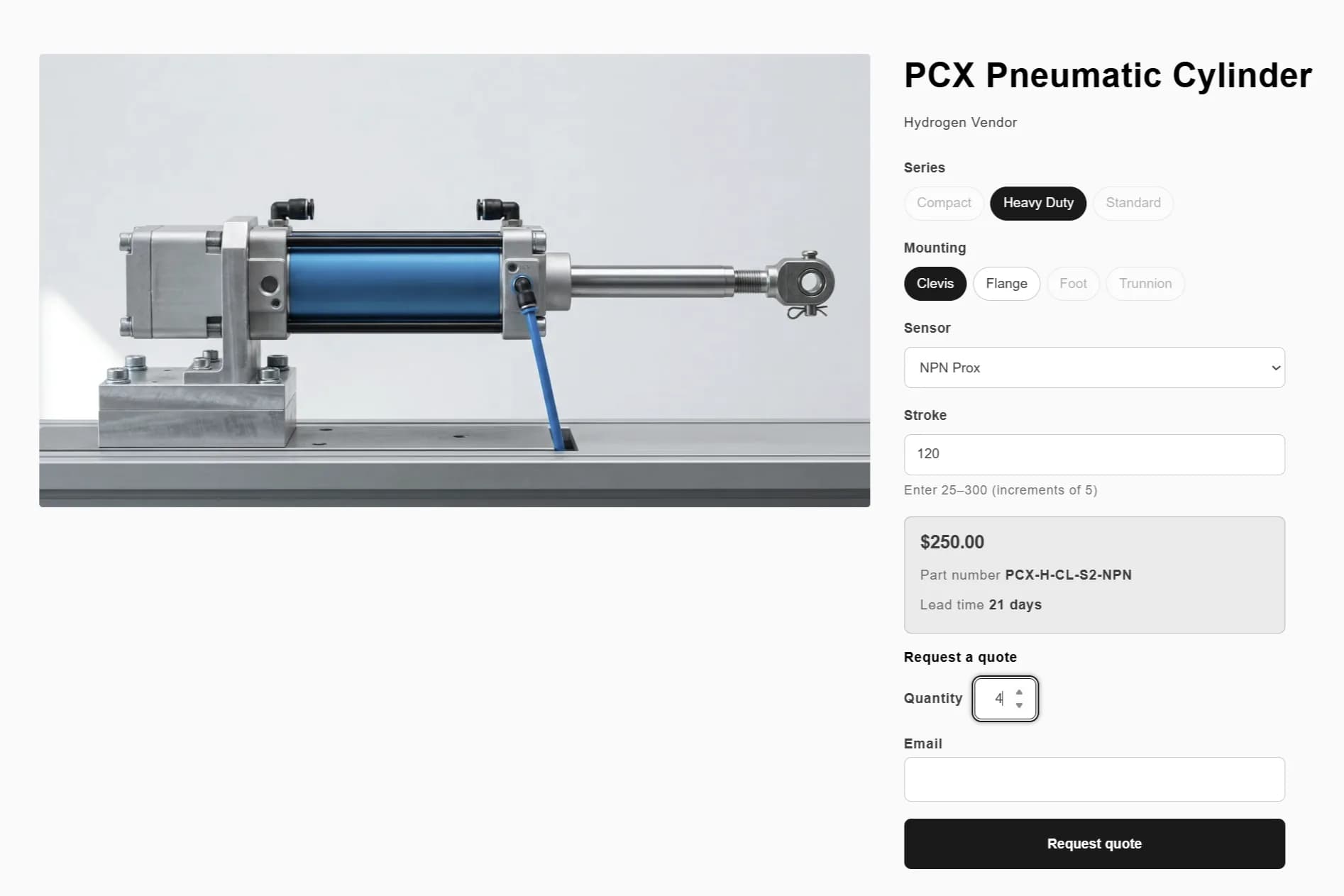
Quote: shopper submits quantity and email; you price and send a Draft Order invoice. Expected result
Instant products check out in the normal cart at matrix prices. Quote products create open Draft Orders for you to price and send. You can change selling mode later without taking the product offline (Instant still needs all prices).
If this fails…
Switching to Instant (or publishing Instant) fails if any matrix row lacks a price. Fill prices or stay on Quote. If Instant checkout protection is still setting up, Instant may use a temporary Draft Order path until protection is ready. Quote products are unaffected. For inbox steps after a quote request, see Quotes workflow.